June 3rd, 2021
Hubs
New
Improved
Fixed
Release Notes - 2021.5.28
Platform
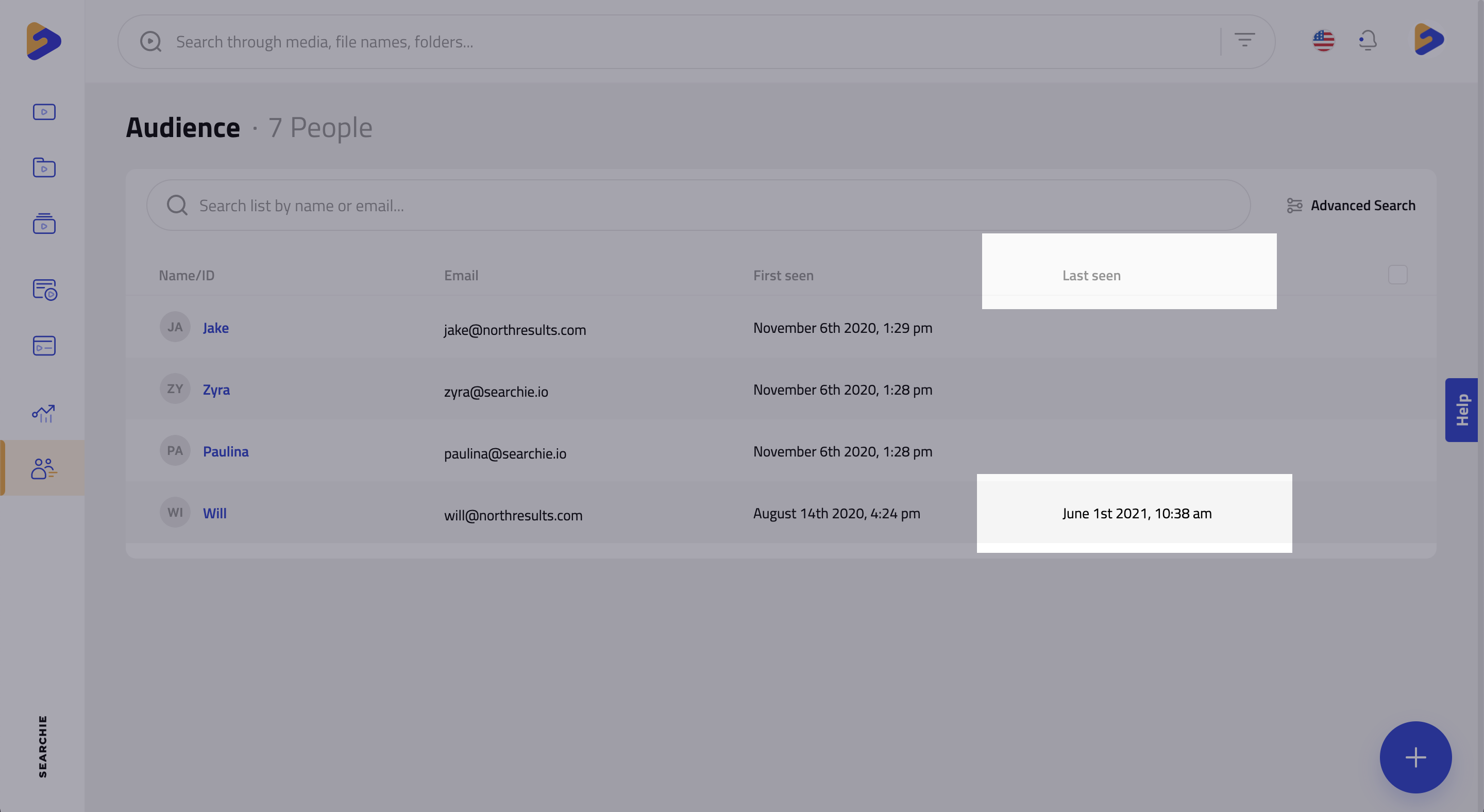
- The last date and time an audience member interacted with your Searchie media can now be seen in the “Last Seen” column in the Audience list
Audience billing details and status can now be seen from their profile pop-up as well as on their Access tab for each Hub they have purchased with Searchie Payments
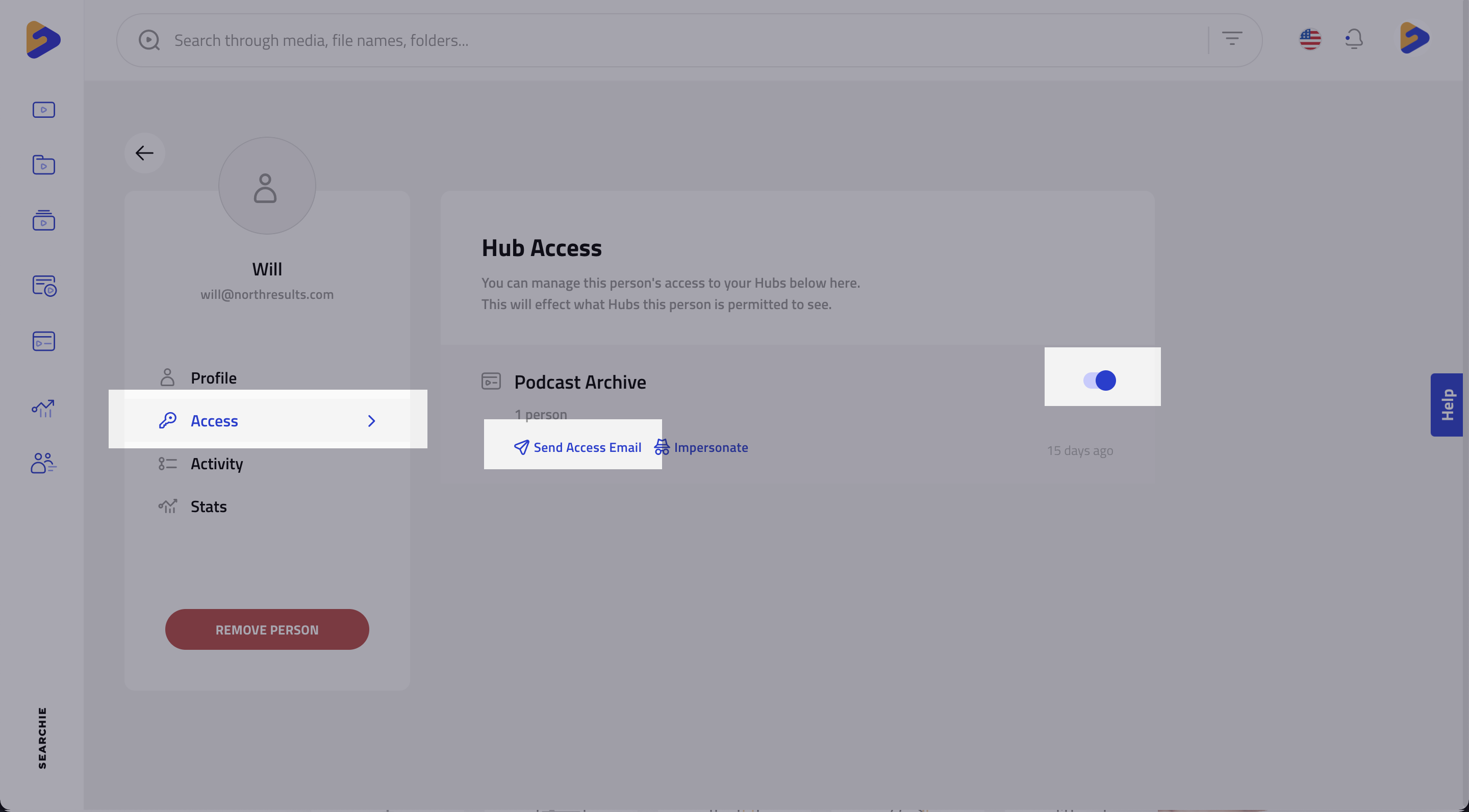
- You can now send welcome emails to audience members for individual hubs, simply navigate to the audience member’s Access tab and select “Send Email” on the Hub you wish to send the welcome email for
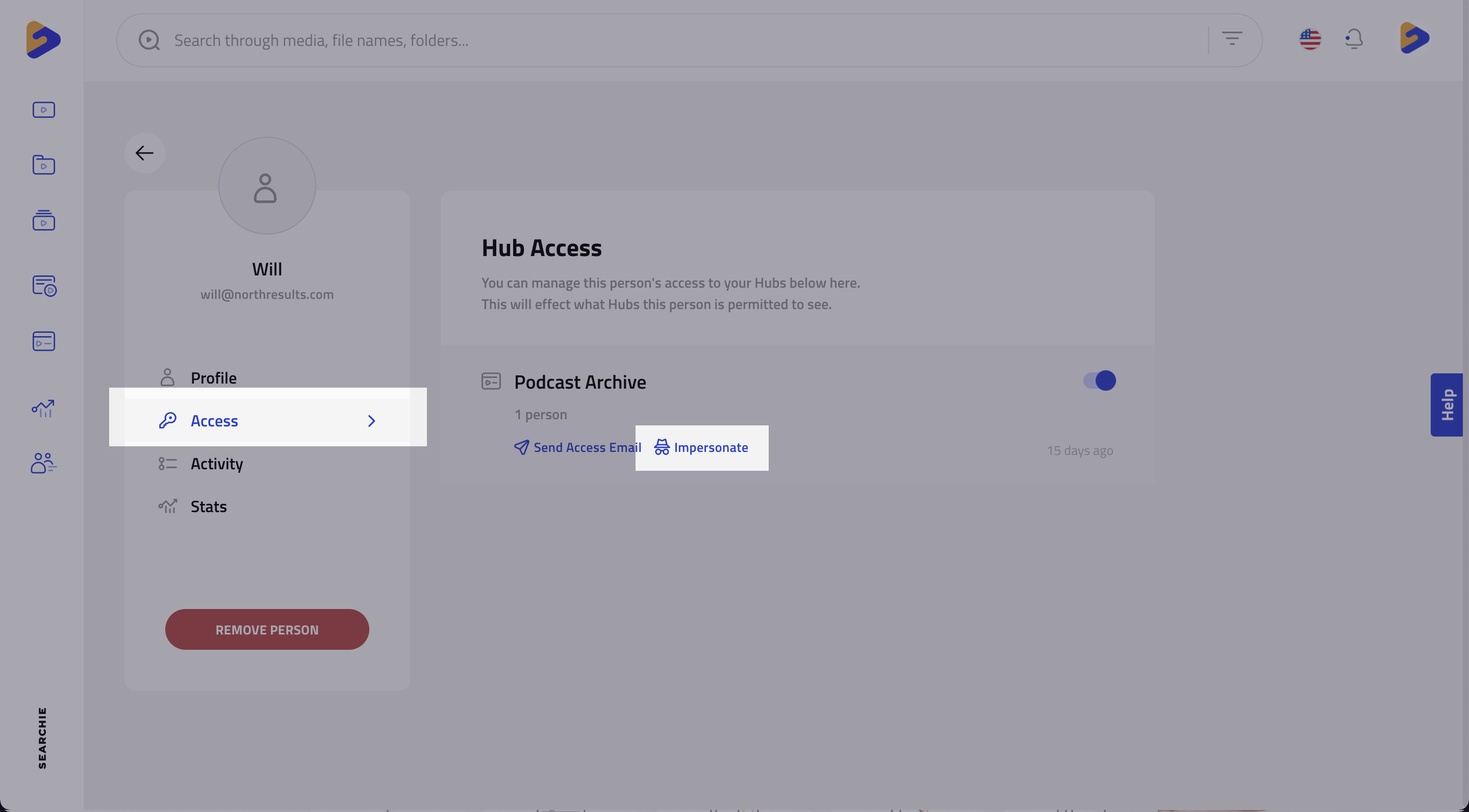
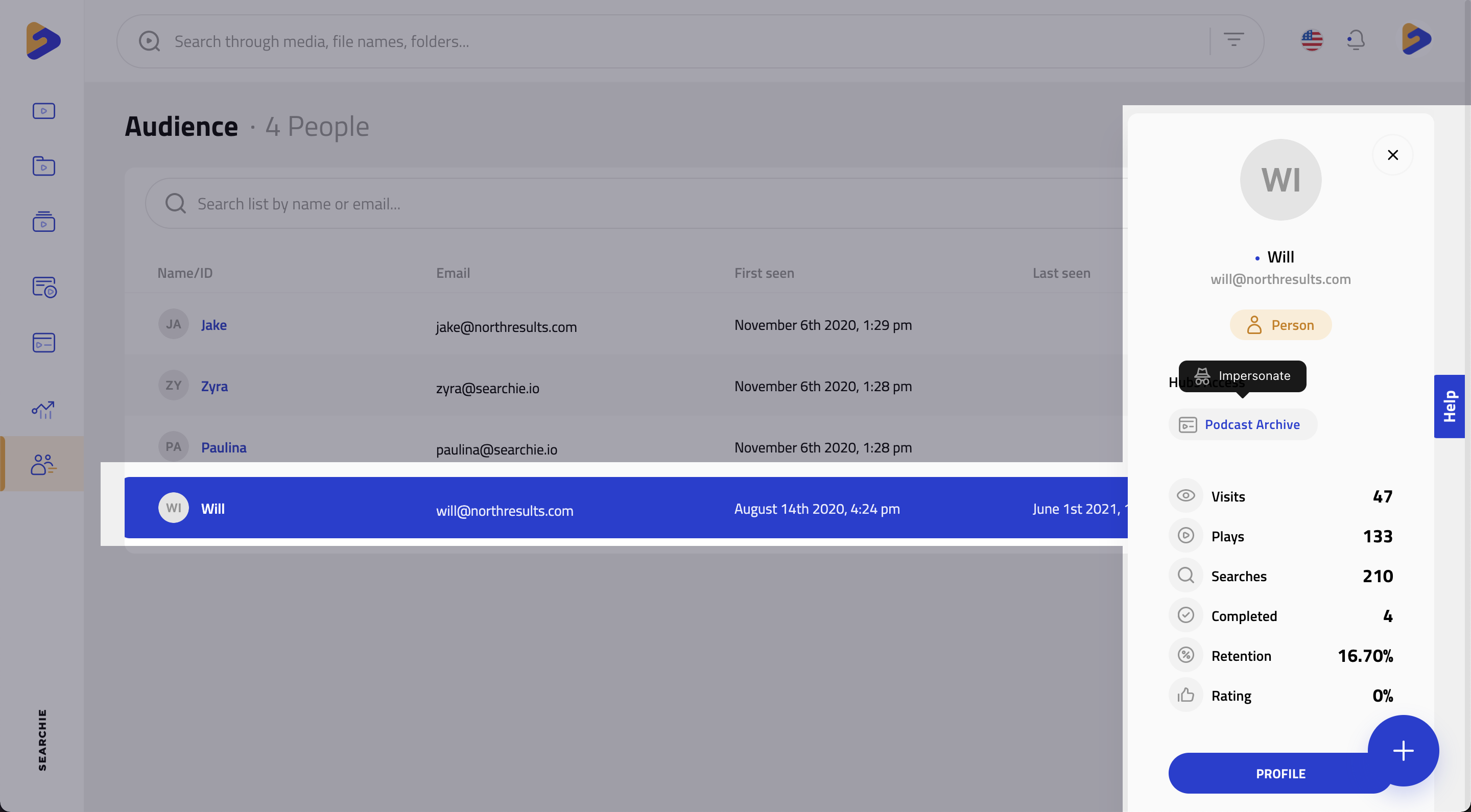
- The ability to impersonate an audience member has been added to the platform and this feature will allow you to log in as specific users to check if the visibility of certain sections inside of your Hub is configured correctly for that person (Guide)
GIF/video previews of videos will now play in the platform when hovering over media
Fixed an issue where creating a segment by Product Details did not populate correctly
Fixed a variety of issues surrounding remotely sourced folders (Facebook, Dropbox, Google Drive, etc.) so that the stability of such folders has greatly improved
The internal search function sometimes highlighted words throughout the platform after exiting the search view, this has been resolved
Fixed an issue where the number of audience members shown to have access to a Hub was greater than the total number of audience members for that account
Hubs
- Custom email templates have arrived and there is much to see when it comes to setting them up and customizing them for each of your Hubs
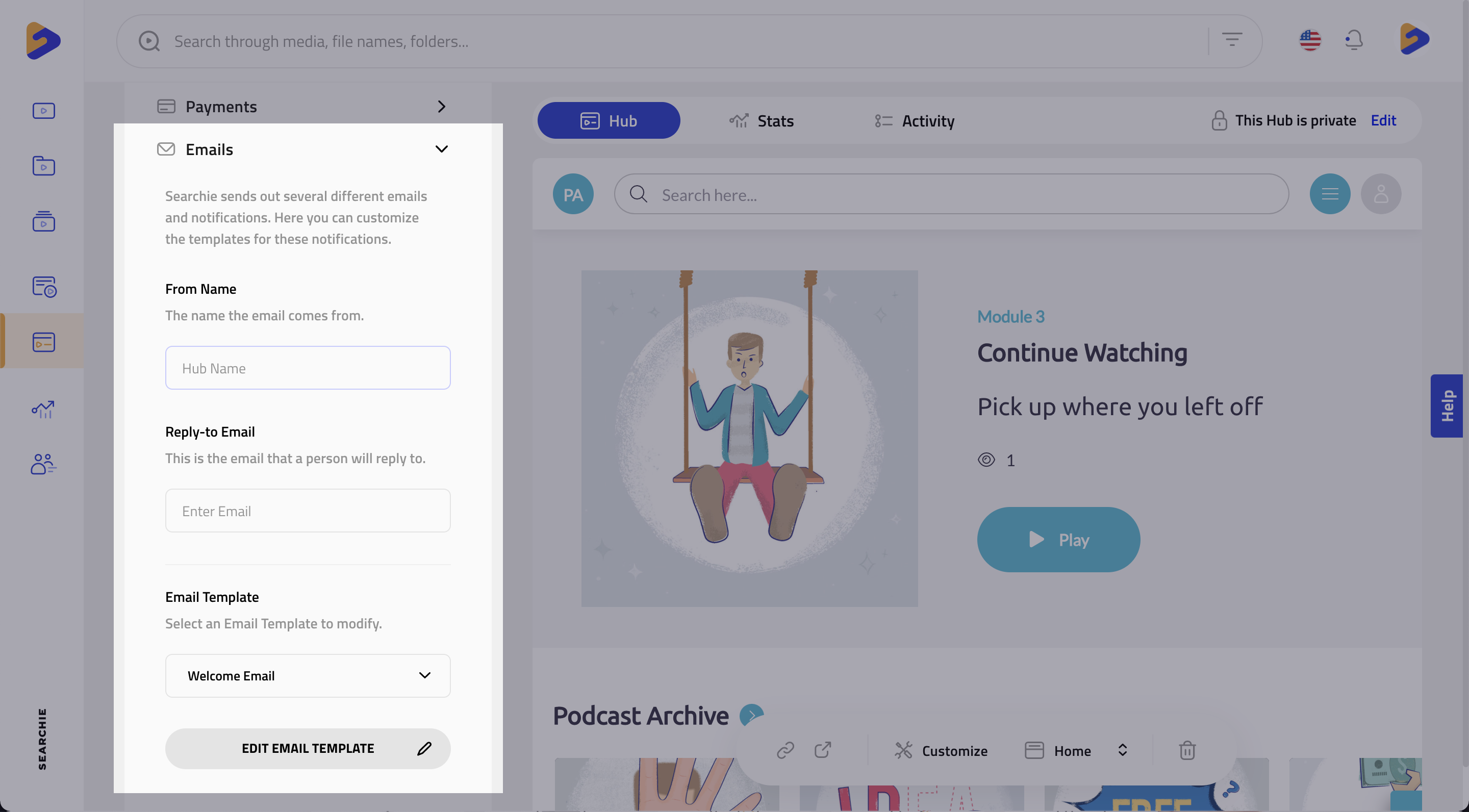
Underneath “Payments” in your Hub settings, you can customize your Welcome, Magic Link, and Password Reset emails that are sent from the Hub
- Click “Edit Email Template” to open up the rich text editor for the chosen email template (in this example, this is the “Welcome Email”) and start customizing
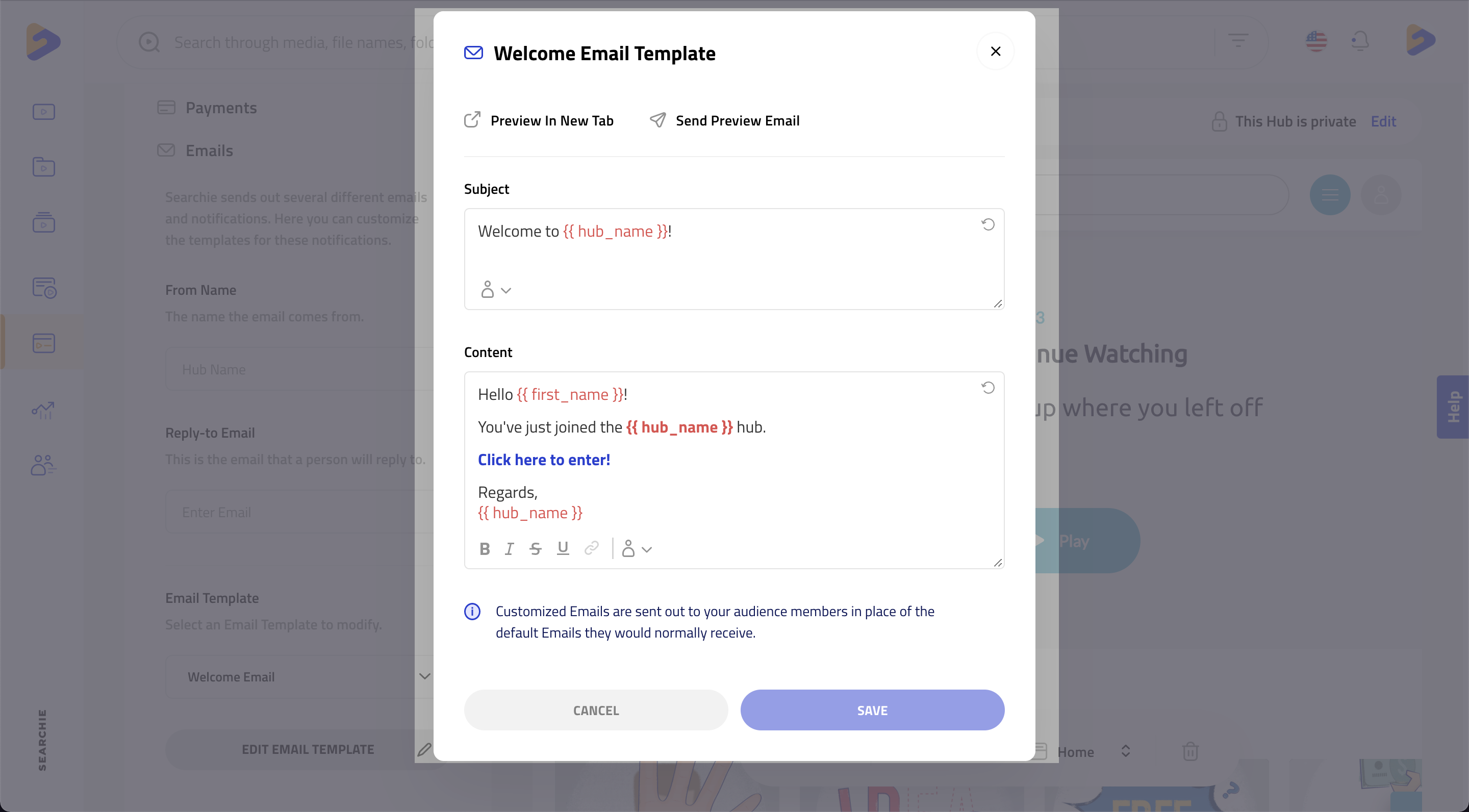
Customize the Sender name, Reply To address, subject, and body of each email to give your audience a personalized email that gets them excited to hop into your Hub
We overhauled the Appearance tab in the Hub Editor and organized the options there for easier navigation
Fixed an issue where the recently watched videos did not display a timestamp in the “resume” button and media would start playing from the beginning as opposed to from the most recently watched point
Extension
- Extension users can now annotate their recordings with a free drawing pen or with draggable arrows, simply click the new annotate icon to get started (use the eraser or refresh your page to remove all annotations)

- Here is a quick recording of a video using annotation featuresImproved
A loading indicator has been added to the camera recording to reduce confusion as the extension loads on a page
To go along with these spotlighted updates, a large number of minor improvements and bug fixes were included in this release across the Platform, Hubs & Extension.